Upload
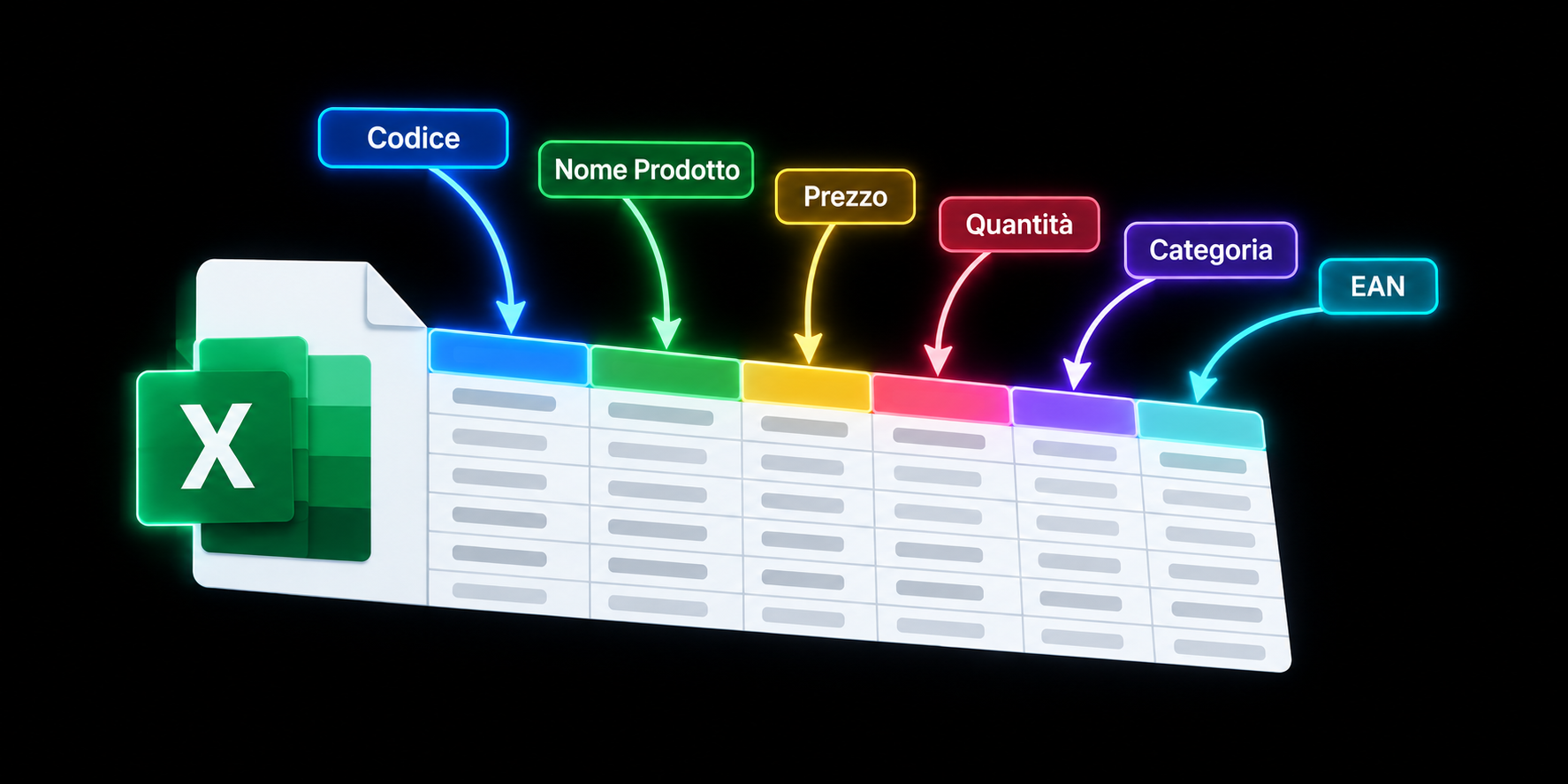
Import CSV, TXT, XLS or XLSX. The system recognizes the structure, headers and delimiter.
How it works
A guided workflow to organize, transform and verify thousands of rows without editing the document manually.
The workflow
Import CSV, TXT, XLS or XLSX. The system recognizes the structure, headers and delimiter.
Rename columns, add transformations.
Check the preview and download the result in the required format.
In detail
01
Start with a product catalog, price list, management-system export or a file received from a supplier.
After uploading, you immediately see the detected columns and an initial data preview without changing the original document.
CSV · TXT · XLS · XLSX

02
Rename, remove or create columns and combine information from different fields.
Numeric operations let you update thousands of prices or quantities consistently.
New price = Price × 1.20
03
A transformation can affect every row or only those where one or more conditions are true.
Combine conditions with AND or OR and define a fallback value when no rule matches.
IF quantity = 0 → Availability = Unavailable

04
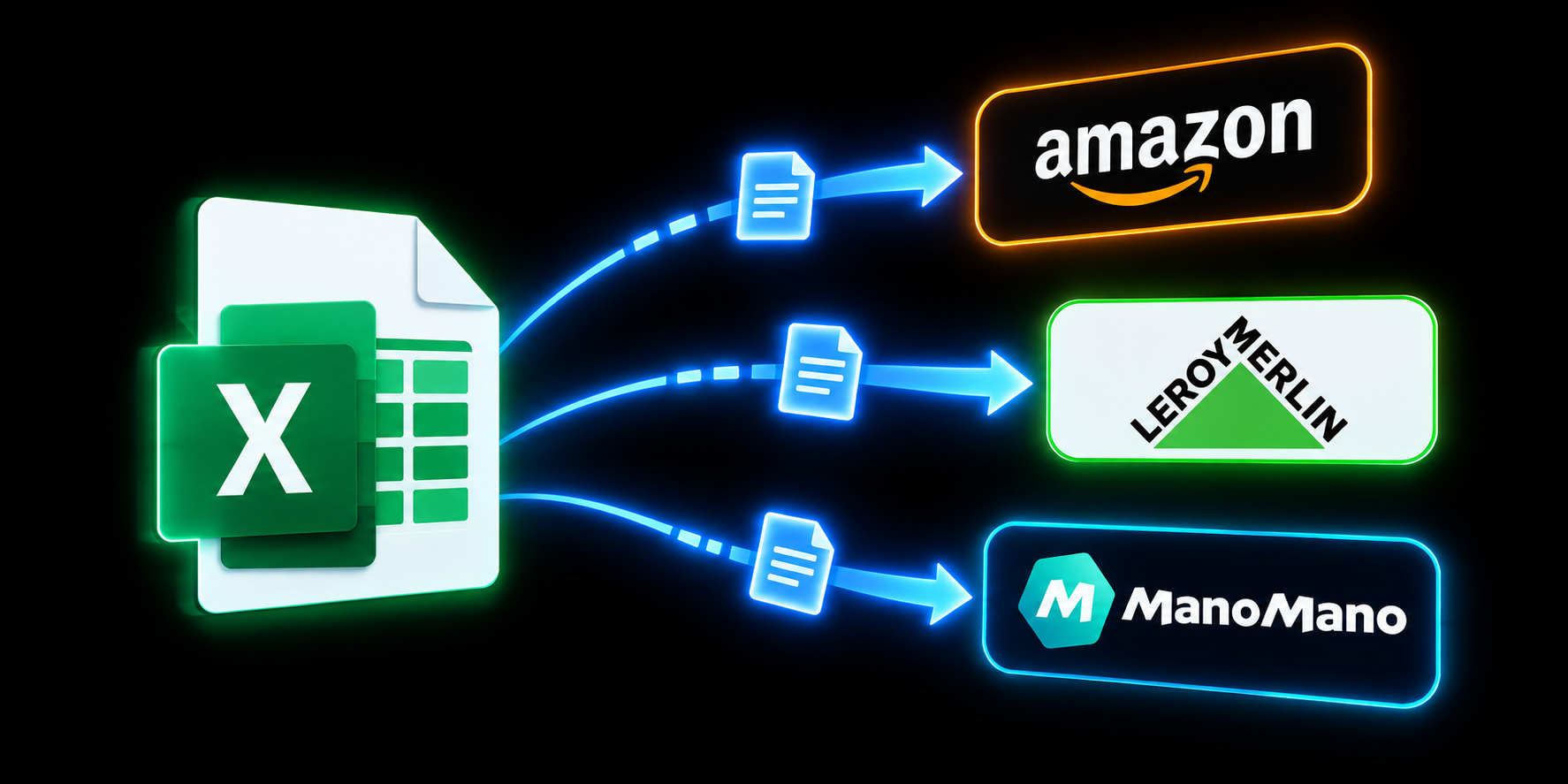
Map supplier columns to the names required by your e-commerce platform, marketplace or management system.
Rules refer to column names, so they remain reusable when column order or file format changes.
SKU → Product code · Price → Sale price + 25%
05
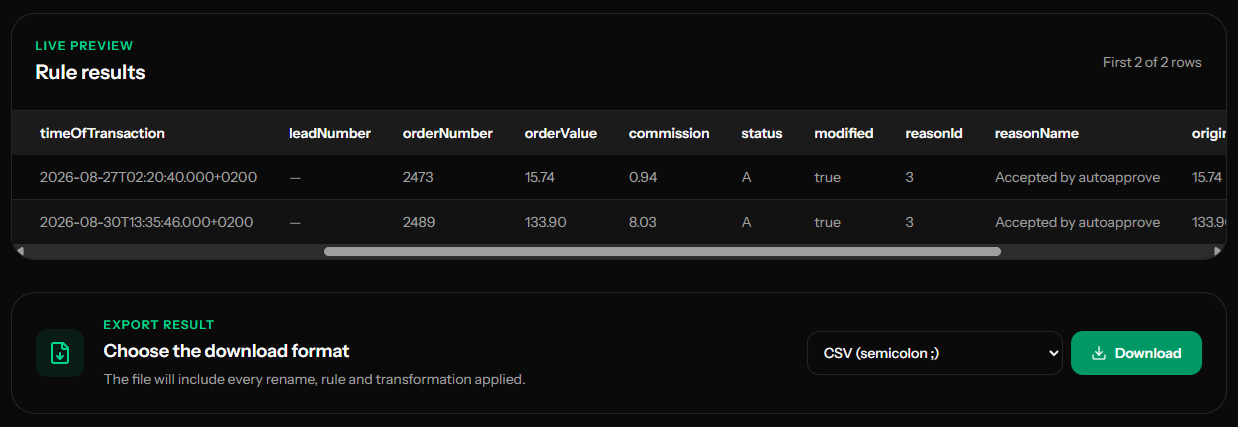
The preview updates as you work, so you can verify headers, values and transformations before exporting.
The original file remains separate from the generated document, and the result can be downloaded in the format best suited to the destination system.
Preview → review → export
Use cases
Update supplier prices, quantities and availability.
Prepare catalogs with the headers and values required by the platform.
Convert a management export for import into another application.
Reuse reliable configurations for recurring client files.
The initial upload and processing happen in your browser, so you can review the result before deciding whether to save it.